MIDI and Audio: Two Different Kinds of Studio Information
A MIDI performance and an audio recording can describe the same musical passage while containing different information.
Start reading ↓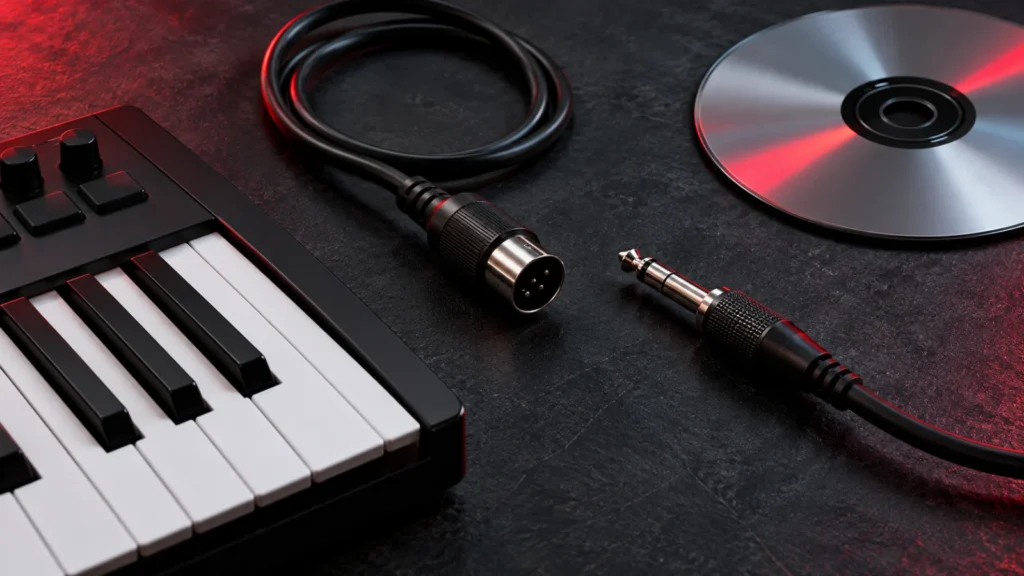
In this guide
A MIDI performance and an audio recording can describe the same musical passage while containing different information. Understanding the distinction helps creators troubleshoot silence, transfer sessions and preserve work. It also prevents the common mistake of assuming that a small MIDI file contains the sound of the instrument heard during recording.
Follow the message to the sound source
MIDI carries performance and control information; it is not recorded audio. A receiving instrument or software system interprets supported messages to produce a result. Notes, timing and controller information can be edited, but the sound depends on the instrument and its configuration.
Audio represents the resulting sound in a recorded form. If you record a synthesizer's audio output, the file contains that performance's sound, but it does not automatically preserve every editable note or instrument setting. Decide which kind of information the next stage of the project requires.
Diagnose silence systematically
If a MIDI track produces no sound, check whether it receives data, routes to an appropriate instrument and sends audio to an audible output. Do not turn up speakers indefinitely while guessing. Lower monitoring levels before changing routing so an unexpectedly restored signal is not startling or unsafe.
If a keyboard has both USB and audio connections, learn what each connection actually carries on that model. Physical connection types do not guarantee identical capabilities. The device's documentation is a better guide than assuming every keyboard sends audio over USB.
Preserve the sound as well as the performance
For collaboration, consider providing an audio render alongside the editable MIDI and a note identifying the instrument and preset when permitted. A collaborator without the same instrument may otherwise hear something different or nothing at all. Confirm that the sharing arrangement respects software and sample licenses.
Keep the original performance data when it remains useful, but do not depend on an undocumented plugin installation forever. Save important settings and rendered reference files in the project archive. Label rendered files so their relationship to the editable source is clear.
Run a simple learning exercise
Create a short passage with an instrument you are authorized to use. Save the MIDI, render the audio and then change the instrument sound. Compare what changes in playback and what remains in the saved data. This exercise explains the distinction more effectively than memorizing acronyms alone.
MIDI standards and device implementations continue to develop, so verify compatibility for a specific feature instead of assuming support from a general MIDI label. Key takeaway: MIDI preserves instructions; audio preserves a sounded result. Professional sessions often need both, with clear notes about how they connect.
Sources & further reading
Source review: October 29, 2026. This is a researched educational feature, not an interview or a claim of firsthand testing. Legal, health and business decisions require context-appropriate professional guidance.